
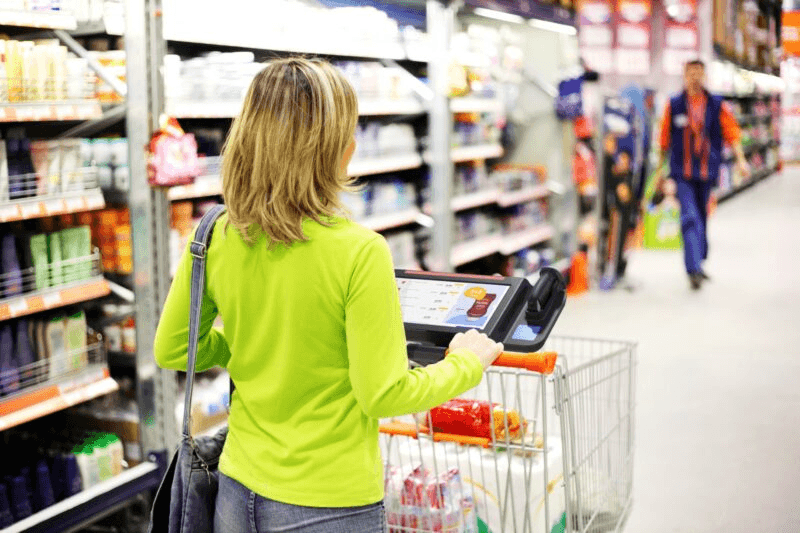
I believe most smart cart concepts are solving the wrong problem — and I think that matters. They're built to serve the retailer first, the shopper second, and they dress that up as convenience.
I wanted to design something that genuinely inverts that priority.
SmartShopper uses RFID to give shoppers real-time feedback on their cart — but the technology was never the point. The point was proving that you can design for user integrity without abandoning business viability. I don't think those things are in conflict. I think most designers just don't push hard enough on that assumption.
Process
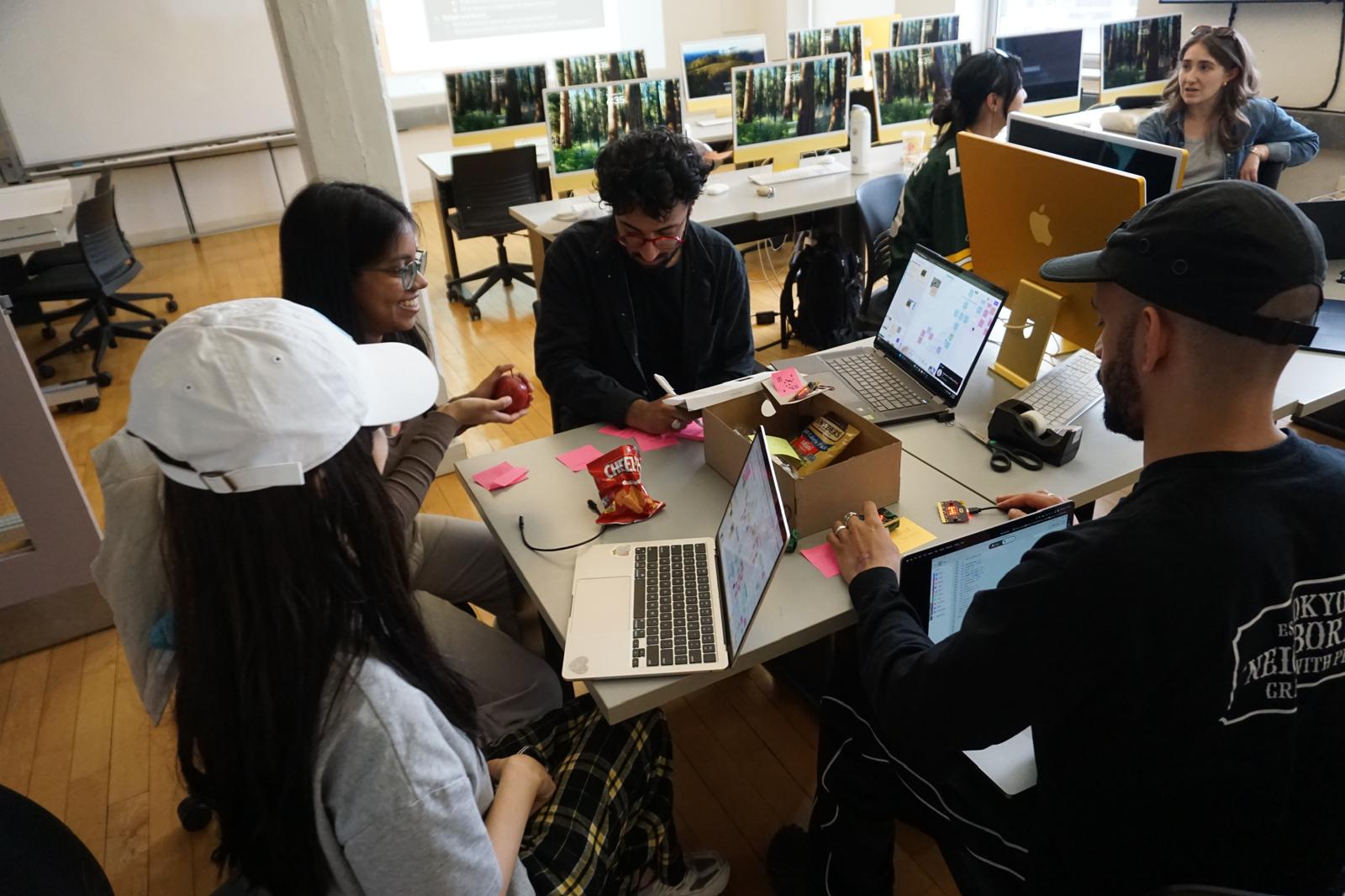
SmartShopper was developed through an iterative process that combined Research, Prototyping, and User testing to balance technical feasibility with a seamless shopper experience.
Stage 1
Desk Research ↗
Explored IoT applications in grocery retail, identifying opportunities in RFID item tracking, weight sensing, and real-time shopper feedback.
Benchmarked existing smart carts (e.g., Instacart’s Caper Cart, Amazon Dash Cart) to validate desirability and uncover gaps in personalization.
Stage 2
Design & Prototyping ↗
Created and tested user flows for cart modes.
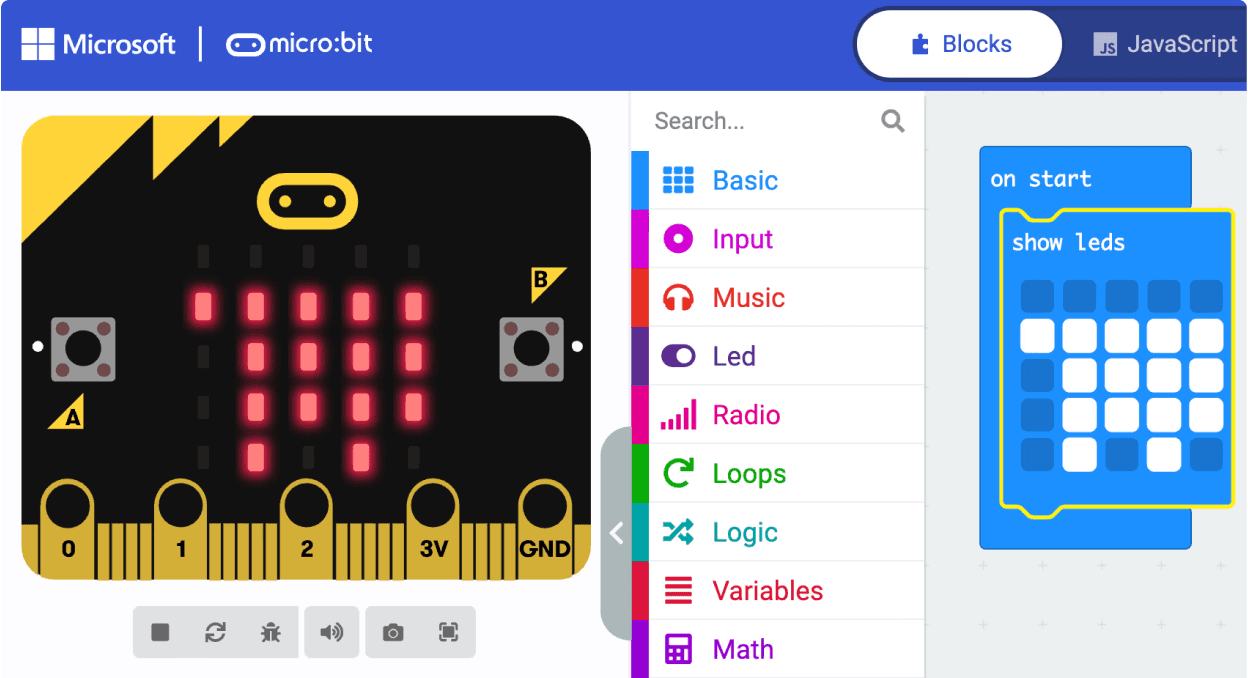
Built low-fidelity physical prototypes and Micro:bit hardware ↗ simulations.
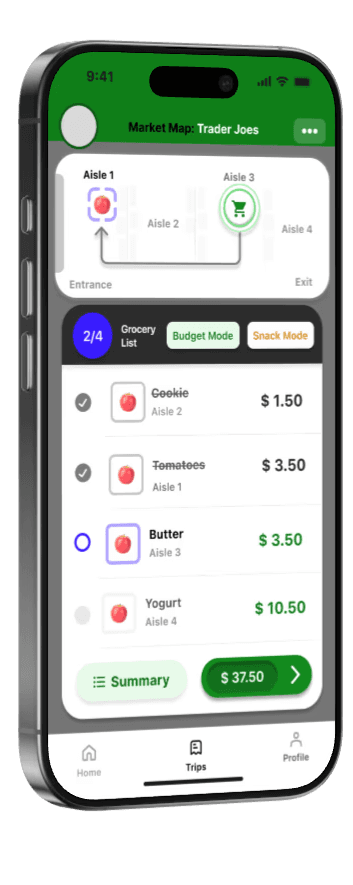
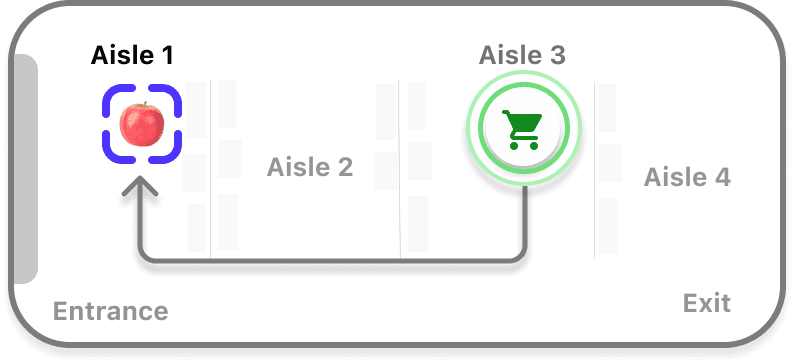
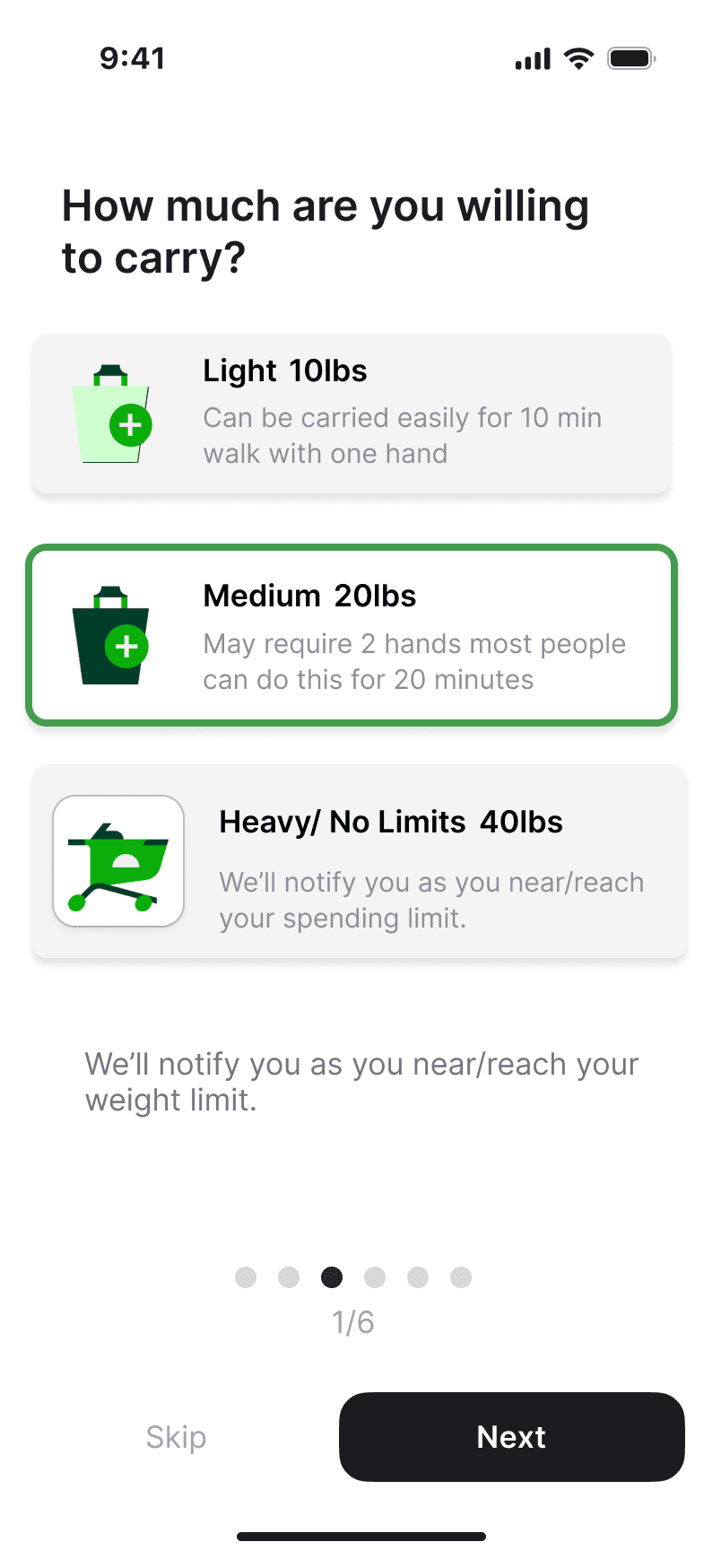
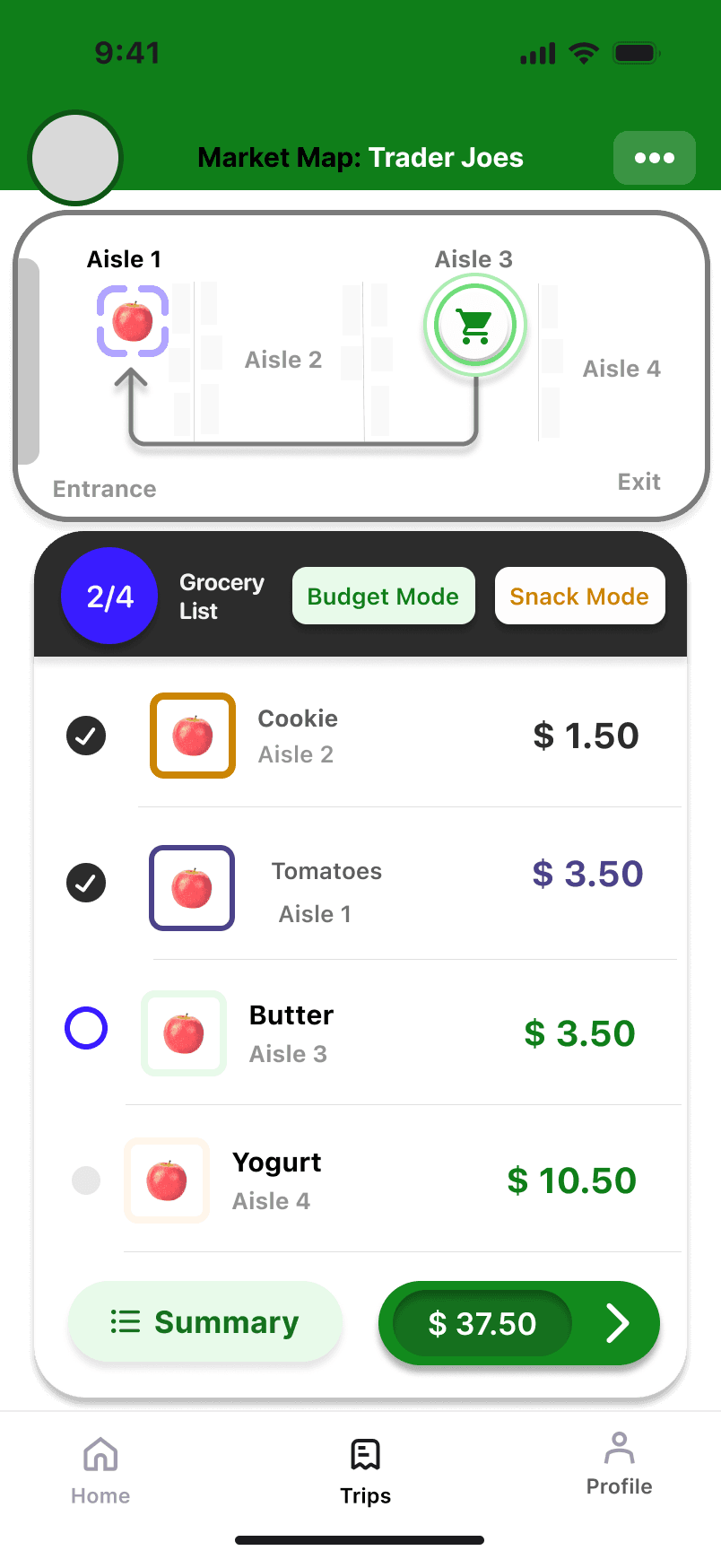
Designed app screens for MVP, gamified “Next” version, and “Future” wayfinding features.
Stage 3
Development & Implementation ↗
Programmed Micro:bit prototypes to simulate RFID and weight tracking, integrating snack mode alerts. Developed an instruction guide to onboard first-time users.
Stage 4
Testing & Optimization ↗

Conducted user testing with the prototype to validate value propositions. Iterated on mode selection, snack alerts, and display indicators to reduce cognitive load while maintaining functionality.
Insights led to the adoption of icon-based mode indicators and a streamlined Now/Next/Future roadmap
Micro:bit Coding
We used a Micro:bit because its simple design allowed us to prototype core interactions without overwhelming users, regardless of their mental model. Working within these constraints also pushed us to design beyond just the product, focusing more on the overall user experience and how SmartShopper fits into a real-world shopping context.
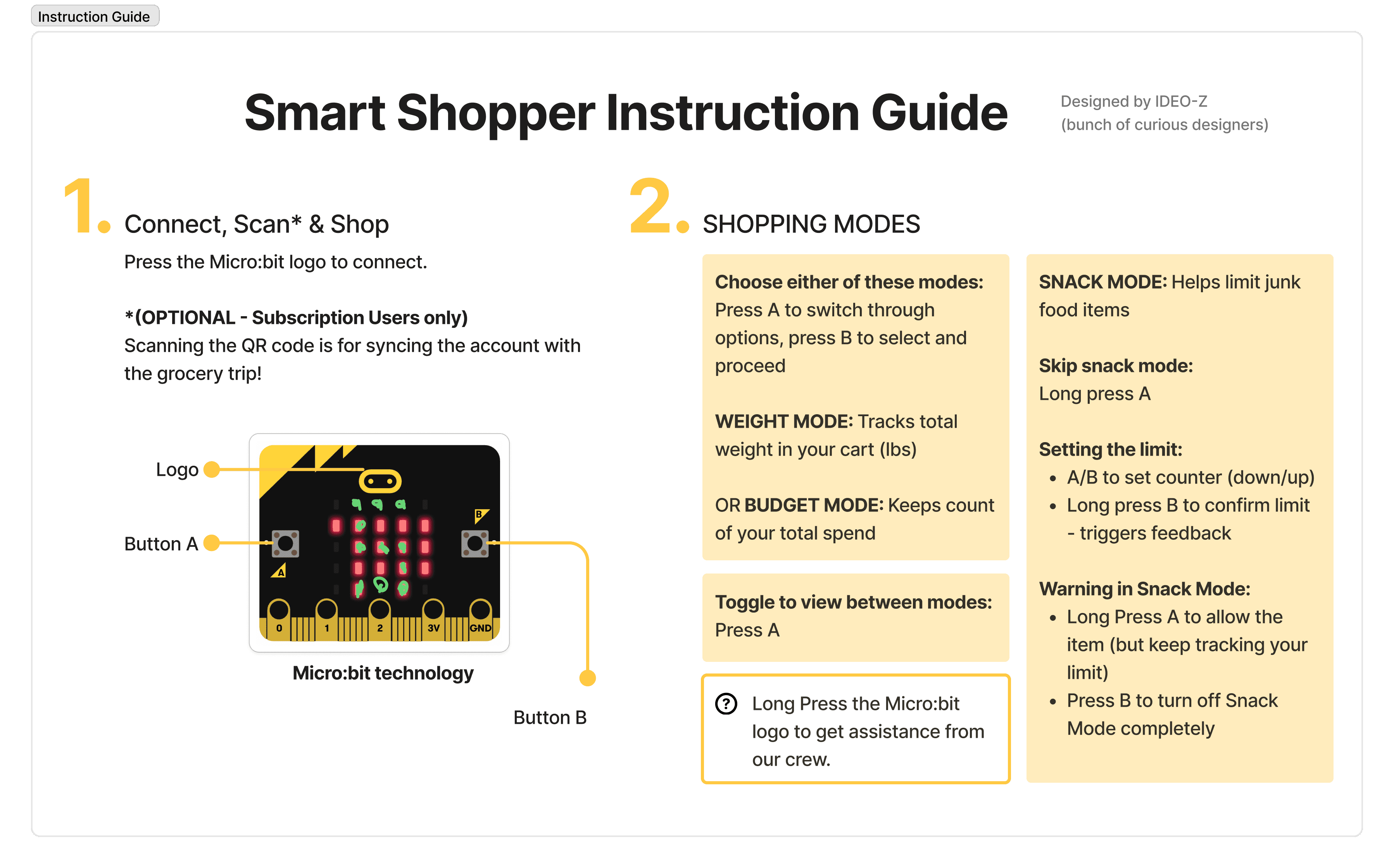
Limited Input Options:
A few of our defined interactions couldn’t be physically coded, with just three buttons, all possible interactions from the concept couldn’t possibly fit. This created a loop of multiple coding versions to test out all the possible functions.
Feedback in Snack Mode:
Code was getting complicated so we brought in a third micro:bit that would be put as a replacement during Wizard of Oz just for the sound and flashing output.
Rolling text consumes time:
We initially chose not to include rolling text as it would slow down the demo, but we needed some sort of notification to confirm the various possible outcomes for each action, so ended up including it.
" While a limitation, the Micro:bit’s simplicity also helped us simplify our flow to focus on core user needs. These interactions would carry over into more advanced hardware beyond the Micro:bit."
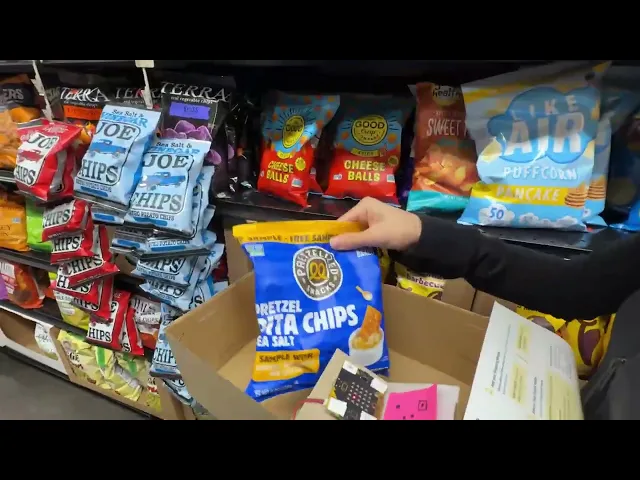
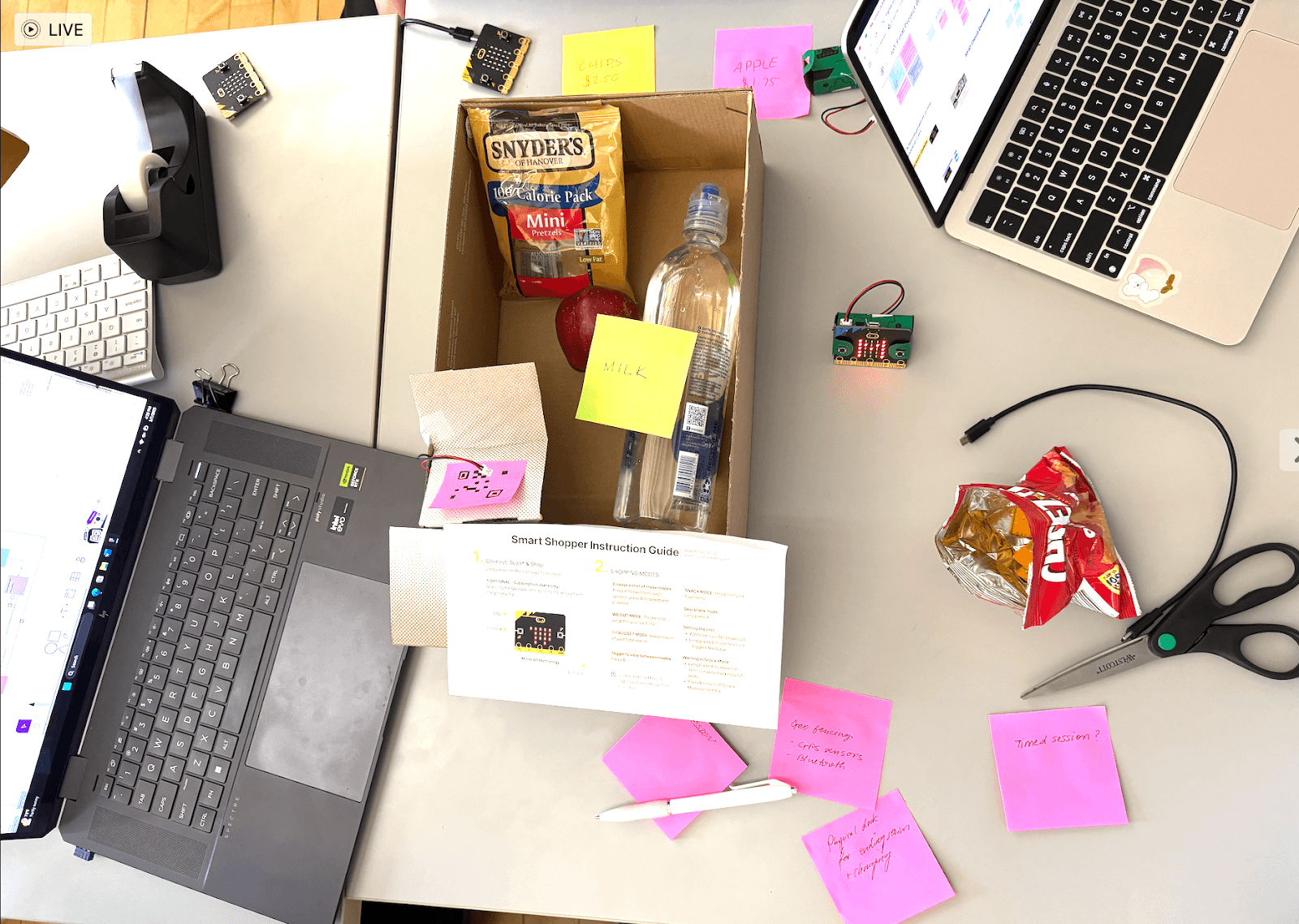
To test our concept, we needed to stimulate the grocery shopping experience. We crafted a mini cart using a shoe box and sticky notes to simulate item labels, cart bar code, and cart QR code. This low-fidelity prototype allowed us to observe user interaction and thought process in context, focusing on how they engaged with the technology rather than just the form.
In our initial brainstorming, we conceptualized a sensor-enabled shopping cart with customizable shopping modes (set within an accompanying app) to track cart item information and provide feedback when user-set parameters are exceeded.
Not all features were fleshed out at this stage and some would eventually evolve over later iterations.
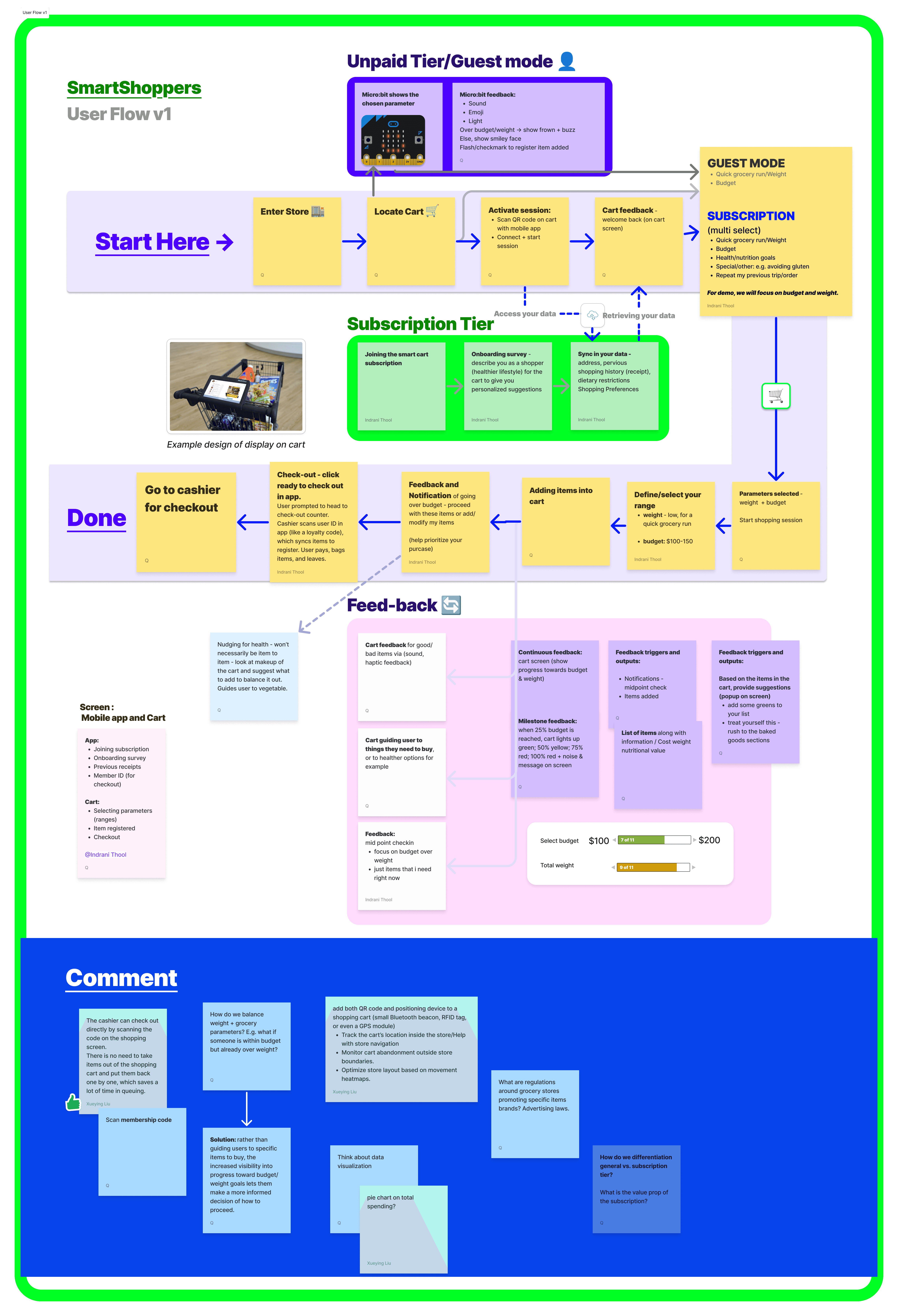
Our overarching problem: the concept was too complex. There were many shopping modes to choose from, a large amount and variety of information to be displayed (wayfinding, per-item details and feedback across modes), and a lot of user input required during setup.
Users expressed a lot of perceived value in the information displayed via SmartShopper. They noted that it’s easy to make impulse decisions when shopping and they often get carried away with adding unhealthy items to the cart. They saw the snack item limit feature as a helpful tool to hold themselves accountable. Budget and weight modes were also useful, as multiple participants reported instances of overspending or ending up with more than they could carry out of the store. These findings validated our hypothesized value propositions for SmartShopper.
Userflow & Hardware
We iterated on our original concept with the main objective of reducing complexity. We also added a network map to ensure the flow was technologically feasible.
Now/Next/Future
Simplifying the concept meant cutting some valuable features. So, we created a Now/Next/Future framework to show how the cart could scale over time and also address some of the limitations that still existed.

Reduced checkout friction, increased inclusivity, and supported adoption across both app and non-app users
Checking In 🛒
Instead of requiring the app or member ID, checkout happens via a cart-specific barcode →
“Transfer of cart item data occurs via a cart-specific bar code now, instead of an in-app member ID – inclusive to non-subscription users.”
Checking Out ✔️
After checkout, app syncing is optional for subscribers →
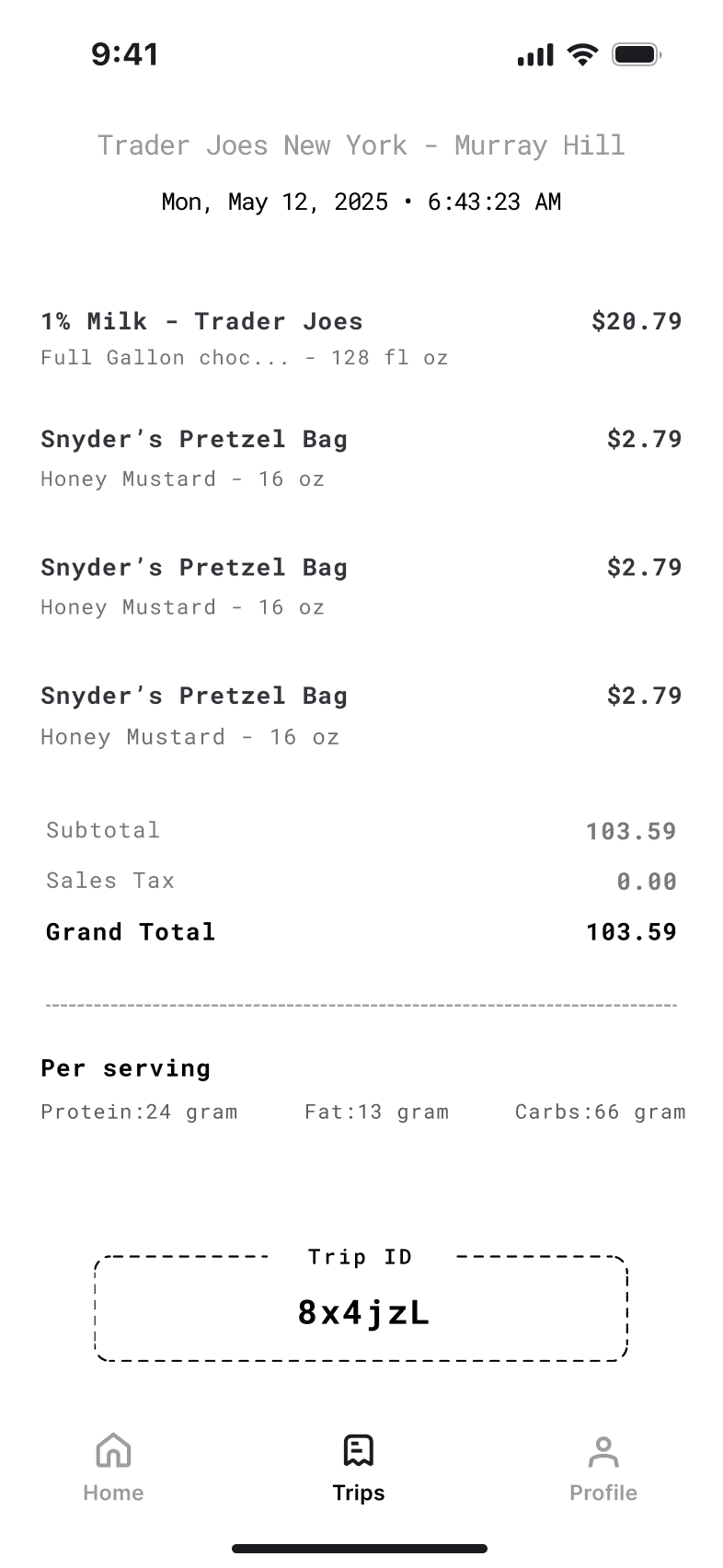
“After the trip, subscription users receive a notification to confirm syncing to their in-app account.
For non-subscription users, a time-sensitive code on the physical receipt lets them sync the trip later.”
Opt Sync 🔄
Subscribers can auto-sync trips; non-subscribers get a one-time code on their receipt to sync later.